Disclose AI Use at Work: When and How to Say So
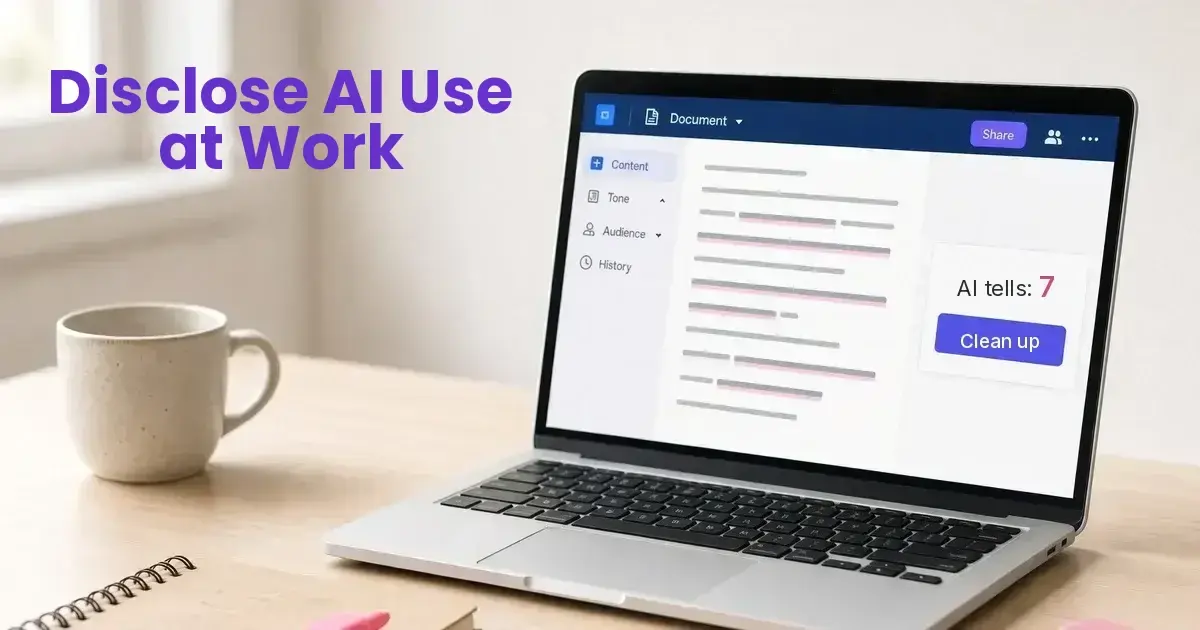
For employees who use AI on reports, decks and documents: how to decide when a disclosure is owed, and how to word it so it helps the reader.
- Free scan, no sign up
- Runs in your browser
- Flags lines that read like AI
- Keeps your meaning
Forgot your code?
You should disclose AI use at work when a rule requires it, when your reader will assume the thinking is yours, or when a mistake in the text would be costly. Routine help, such as fixing grammar or tightening a paragraph you wrote, rarely needs a note. Analysis, recommendations and anything signed or certified under your name usually does. When you disclose, say what the tool did and who checked the result.
Quick answer: Should you tell your boss you used AI? Yes, if your company's policy asks for it, or if AI drafted analysis, recommendations or anything that goes outside the company. Grammar fixes and rewording your own text rarely need a note. Keep the disclosure to one line, such as "AI drafted the outline; the analysis is mine and I checked every figure."
First, Check the Rules That Already Cover You
Your own judgment comes second. Start with the written rules that apply to the work, because they can require disclosure even when you think it is unnecessary.
- Your employer's policy. Look for sections on approved tools, data and disclosure. If there is no policy, ask your manager directly and keep the answer in writing.
- Client or customer contracts. Some agreements limit how a vendor may use AI on client material or require notice. Your account lead or legal team will know.
- Your profession. Regulated fields set their own standards. For lawyers, the American Bar Association's Formal Opinion 512, issued July 29, 2024, says disclosure of AI use may be required under the duty to communicate with clients, particularly where the tool is used to make important decisions in a case, and that AI output must be reviewed for accuracy. Your own licensing body may say more.
When two sources disagree, follow the stricter one for that piece of work.
Three Questions to Ask Before You Hand It In
If no rule settles it, these questions cover most cases.
What will the reader assume?
A manager reading your quarterly analysis assumes the conclusions are yours. A colleague skimming a meeting recap assumes nothing in particular. The bigger the gap between what the reader assumes and what actually happened, the more a disclosure matters.
What happens if a detail is wrong?
AI tools can produce confident text that is false. NIST's Generative AI Profile names this risk directly, calling it confabulation. A wrong figure in a team chat costs a correction. A wrong figure in a budget request, a safety procedure or a regulatory filing costs much more, and the people relying on the document should know how it was produced.
Is your name on it as author or approver?
Signing, certifying or submitting a document tells the reader you stand behind it. That is fine with AI help, as long as you have checked every claim. If you could not defend a section line by line, rewrite it or say plainly how it was made.
When to Disclose AI Use at Work
These are working defaults, not rules. Your employer's policy wins where it differs.
Usually no note needed:
- Spelling, grammar and tone fixes on text you wrote.
- Rewording a paragraph where the ideas and facts are yours.
- Brainstorming headlines or subject lines that you then choose from and edit.
- Formatting, such as turning your notes into a table.
Usually worth a note:
- Research summaries the tool produced from sources you did not read in full.
- Recommendations, forecasts or analysis that the tool drafted and you adjusted.
- Performance feedback, references or anything about a named person.
- Text published under the company name or sent to a regulator.
- Translations that will be relied on, unless a fluent person has checked them.
How to Word the Disclosure
Keep it to one sentence. Say what the tool did and who owns the result. Skip the apology. A nervous disclaimer makes readers doubt the whole document, while a specific line makes it easier to trust.
- "An AI tool produced the first outline. The analysis and recommendations are mine."
- "Summaries of the five vendor reports were drafted with AI and checked against the linked originals."
- "Translated with AI assistance and reviewed by a fluent Spanish speaker on the team."
- "Data tables generated with Copilot from the attached spreadsheet. I verified the totals."
Vague notes such as "AI was used in this document" tell the reader nothing they can act on. They also make it harder to defend the work later, because nobody knows which parts to check.
Put the Note Where the Reader Will See It
When you disclose AI use at work, a note in a separate chat thread does not count if the document travels without it. Put it in the document itself: a footnote, a line under the title or a short "How this was prepared" section at the end. For slide decks, the notes field of the first slide or a line on the closing slide works.
If the document will be forwarded, assume the note is the only context the next reader gets.
Disclosure Does Not Replace Checking
A note about AI help is information, not permission. It does not cover a wrong number, a made up citation or confidential data you should not have pasted into a tool.
Two habits matter more than any wording. First, verify every fact, figure and quote against the original before you send. Second, use the account your employer approved for work material. Microsoft, for example, says Copilot Chat with enterprise data protection does not use prompts and responses to train its foundation models, and shows a green shield when that protection is on. A personal chatbot account carries no such commitment from your employer's contract. Our guide to Copilot writing at work covers the day to day side.
How Managers Check Reports for AI
Most managers don't start with software. They notice the writing first:
- Nothing only you would know. No names, numbers or details from last week's meeting, just points that could fit any company.
- A voice that doesn't match yours. A report that reads nothing like your emails stands out.
- Stock phrasing and even rhythm. Lines like "in today's fast-paced landscape" and sentence after sentence of the same length.
- Facts that don't check out. A figure with no source, or a citation that doesn't exist.
- Leftover formatting. Curly quotes, long dashes and invisible characters pasted from a chatbot.
Some managers also run reports through an AI detector. A detector score is a guess, not proof, and it flags human writing too, so it works best as a reason to ask questions. See how accurate AI detectors are. The fairest check is a conversation: ask the writer to walk through how they reached the conclusions and where each number came from.
If Someone Asks Whether You Used AI
Answer plainly and specifically. "Yes, for the first draft of section two, and I rewrote and checked it" ends most conversations. Getting defensive usually prolongs them.
If the question comes from a detector score, you can point out that detectors misfire on human writing. Our piece on AI detector false positives explains why. Keep drafts and version history so you can show how the work developed.
Make the Final Draft Sound Like You
Disclosure answers the honesty question. It does not fix text that reads like a template. Readers often spot pasted AI writing before anyone mentions a tool: stock phrases, every sentence the same length, curly quotes in a plain document, and sometimes invisible characters. Our list of signs of AI writing shows what to look for.
Editing for those patterns is part of using AI well, and it makes the work yours in a way a footnote cannot. Before you send, paste your draft into the free scanner above to see which lines stand out.
Frequently Asked Questions
Do I have to tell my boss I used AI?
If your employer's policy requires it, yes. If there is no policy, the safest default is to mention AI help on analysis, recommendations and anything that goes outside the company. For grammar fixes or rewording your own text, most managers will not expect a note.
How can managers detect AI in employee reports?
Mostly by reading closely: generic points with no specific details, a voice that doesn't match the writer's other work, stock phrases, unchecked facts and pasted formatting. AI detectors can add a signal, but they misfire on human writing, so a score should lead to a conversation, not a conclusion.
Is there a percentage of AI use that requires disclosure?
There is no general legal or industry threshold. Disclosure depends on the rules that apply to you and on what the reader will assume, not on a share of words. A single AI drafted recommendation can matter more than a fully AI formatted appendix.
Can I get in trouble for disclosing AI use?
Disclosing approved use within your company's rules should not count against you. The real risk is using a tool or account your employer has not approved, or putting restricted data into it. If you are unsure whether a tool is allowed, ask before you use it on work material.
What if I used AI only for an outline?
An outline you then wrote from scratch rarely needs a note. If the outline shaped the argument of a decision document, a one line mention is cheap and avoids questions later.
Should I disclose AI use on shared team documents?
Yes, when your section includes AI drafted analysis or summaries others will rely on. A short note next to your section is enough. It tells teammates which parts to verify before the document goes further.
Sources
- American Bar Association: ABA Ethics Opinion on Use of AI (Formal Opinion 512)
- NIST: Department of Commerce Announces New Guidance, Tools 270 Days Following President Biden's Executive Order on AI
- Microsoft Learn: Microsoft Copilot Chat Privacy and Protections