AI Humanizer for Emails: Make AI-Written Emails Sound Human
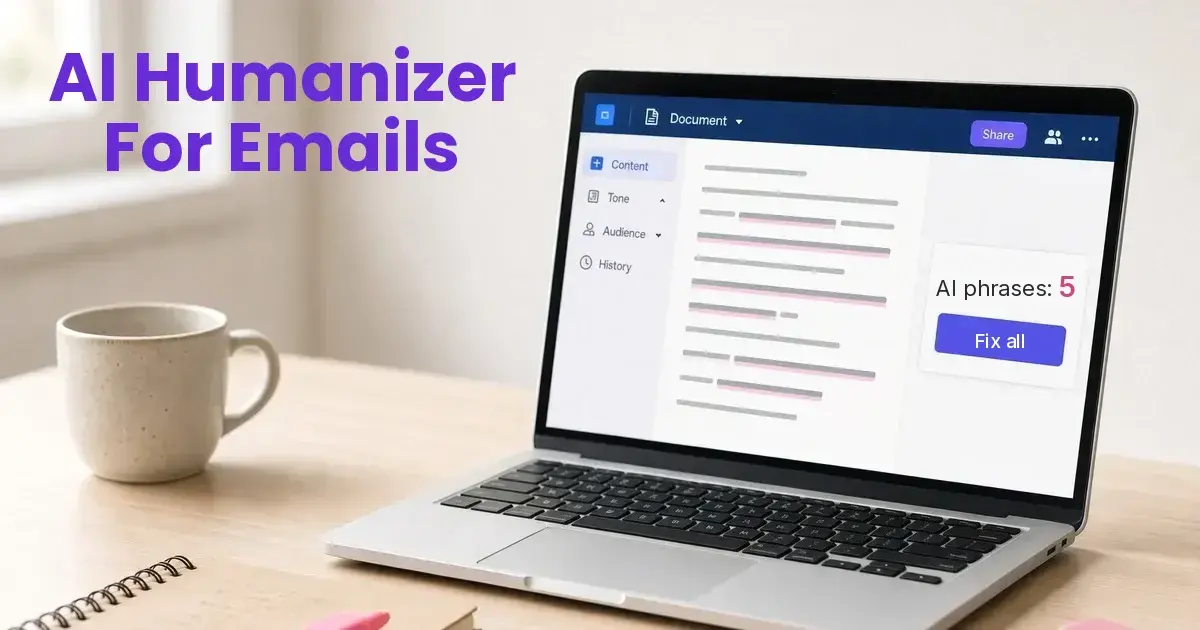
Catch the phrases that make an email sound like ChatGPT wrote it, and fix them before you hit send.
- Free scan, no sign up
- Cold emails, follow-ups, newsletters
- No subscription
- Hidden character check
Forgot your code?
An AI humanizer for emails takes a message you drafted with ChatGPT or another AI tool and makes it read like you typed it. The free checker on this page highlights the phrases that give AI away, like "I hope this email finds you well" and "don't hesitate to reach out," fixes the punctuation, and checks for hidden characters. One click rewrites the email in plain, human language.
Quick answer: Paste the draft into an AI humanizer for emails and run the free scan. Delete the opener and closer if they say nothing, and start with the reason you're writing. Hit Humanize. Most emails are under 300 words, so the free rewrite covers them. Then add one real detail only you know, like their name or something they posted, reread it once, and send. The rewrite is told to keep your facts and names, but check links and merge tags after.
Hit Try a sample to see a typical AI sales email scored, with every tell highlighted.
Why AI emails get ignored
Everyone uses the same assistant, so everyone sends the same email. People who get dozens of pitches a day learn the pattern fast: the warm opener that says nothing, three benefits in a row, and a sign-off that begs for a call. Once a reader spots it, they stop reading and assume nobody wrote it for them. That hurts cold outreach the most, but it shows up in follow-ups, customer replies and notes to your boss too.
The fix isn't to stop using AI. It's to take out the parts that sound like a template before you hit send.
Phrases that make an email sound like AI
| AI phrase | What a person writes |
|---|---|
| I hope this email finds you well | Hi Sarah, (then get to the point) |
| I wanted to reach out because | Just say the reason |
| I came across your profile and was impressed by | I saw your post about the new store |
| We help companies leverage data-driven insights | We help teams see which leads to call first |
| elevate, empower, unlock, seamless | Say what actually changes |
| could be a game-changer for your team | Name the result |
| Please don't hesitate to reach out | Questions? Just reply. |
| I look forward to hearing from you at your earliest convenience | Does Tuesday work? |
| Subject: Unlock Seamless Growth for Your Team | Subject: Quick question about your new store |
Punctuation gives it away too. Em dashes, curly quotes and a bold label on every line are habits of the model, not of someone typing in Gmail.
Before and after
Before, straight from the AI:
I hope this email finds you well. I wanted to reach out because I noticed your team is navigating an ever-evolving market, and I believe our platform could be a game-changer. We help companies leverage data-driven insights to elevate their outreach.
After a humanize pass:
Your market is changing fast, and I think our platform could help. We use your own data to show which outreach is working and which isn't. Worth a quick call next week?
Notice the rewrite keeps the same claims. It doesn't make anything up. The best emails then add one real detail only you know, like their name, something they posted, or a number from your own results. No tool should invent those for you.
Hidden characters in pasted emails
Text copied out of a chatbot can carry characters you can't see: zero-width spaces, odd no-break spaces and other invisible Unicode. Most of the time they do nothing. Sometimes they show up as stray boxes, split a word so it won't match a search, or break a link or a mail merge field like a first name tag. The scan counts them and the cleanup removes them. Our guide to removing hidden characters from AI text explains what each one does.
How to humanize an AI email in four steps
- Paste the draft and run the free scan.
- Delete the opener and closer if they say nothing. Start with the reason you're writing.
- Hit Humanize. Most emails are under 300 words, so the free rewrite covers them.
- Add one real detail, reread it once, and send.
Frequently Asked Questions
Is the email humanizer free?
Yes. Scans are free and unlimited, and free rewrites handle 300 words at a time, 3 a day, which covers most emails. There is no sign up.
Will it keep my cold emails out of spam?
Spam filtering depends mostly on your domain setup, your sending reputation, your links and how people engage with your mail. This tool doesn't change any of that. What it helps with is the person reading the email, because templated AI wording gets skimmed and deleted.
Does it keep my facts, names and links?
The rewrite is told to keep every fact, name and number the same. Links and merge tags are just text to it, so check them after, and read the result before you send.
Can I use it on replies, follow-ups and newsletters?
Yes. It works on any text, from a two-line reply to a full newsletter. Longer pieces run in Enhanced mode, up to 3,000 words at once, with one-time packs from $1.99.
Do you store my emails?
Scans run in your browser and never leave it. Rewrites go to our AI model and are not stored by us. There are no accounts.
Looking for other ideas? See all the ways to use Remove AI Tells.