How to Remove Hidden Characters From AI Text (and the "ChatGPT Watermark")
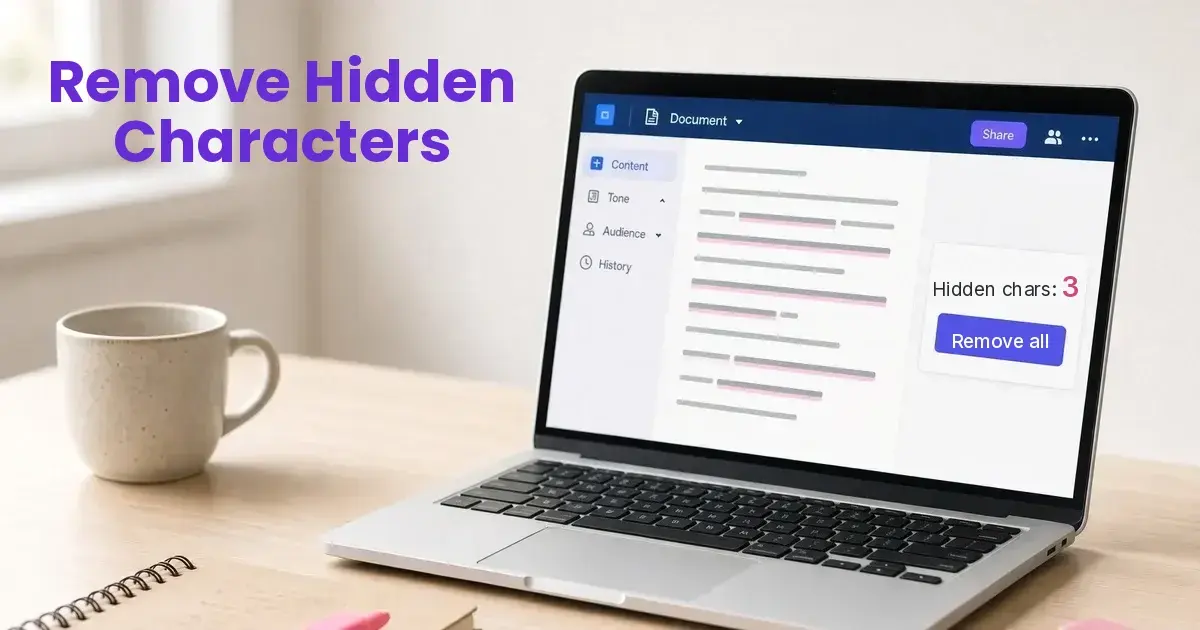
Find and remove the invisible characters and odd spaces that ride along when you copy text from ChatGPT, Claude or Gemini.
- Free, runs in your browser
- Zero-width and no-break spaces
- Hidden instruction check
- No sign up
Forgot your code?
To remove hidden characters from AI text, paste it into a scanner that strips invisible Unicode. Text copied from ChatGPT, Claude or other AI tools can carry zero-width spaces, narrow no-break spaces and soft hyphens you can't see. The free scanner on this page counts them, flags anything that looks like a hidden instruction, and removes them in one pass. It runs in your browser with no sign up.
Quick answer: To remove hidden characters from AI text, paste it into the scanner on this page and hit Scan for AI tells. Check the Hidden prompt scan box and the Typography tells count. Then hit Copy: special spaces come out as normal spaces and invisible characters are gone, while your wording stays the same. Hit Humanize only if you want the wording changed too. No ChatGPT watermark has been confirmed, but the narrow no-break spaces (U+202F) reported in its output are real and get replaced.
Paste anything: an email, a blog post, a resume or a product description. Hit Try a sample to see a paragraph with hidden characters and a hidden instruction caught. Planting instructions like that for an AI to read is called hidden prompt injection.
Is there a hidden ChatGPT watermark?
Not one that anyone has confirmed. In April 2025, people noticed that some newer ChatGPT models were putting narrow no-break spaces (Unicode U+202F) into their answers where a normal space belongs. It looked like a watermark, and "ChatGPT watermark remover" tools showed up almost overnight. OpenAI hasn't described it as a watermark, and it looks more like a quirk in how the models write. Developers have reported the same character in later models too, mostly because it breaks how text displays in some apps.
Watermark or not, the characters are real. They copy along with the text, and anyone who drops your writing into a character viewer can see them. Cleaning them out takes a second.
The hidden characters to look for
| Character | Code | What it does |
|---|---|---|
| Zero-width space | U+200B | Invisible. Splits words and breaks search, links and merge fields. |
| Zero-width joiner and non-joiner | U+200D, U+200C | Invisible. Meant for emoji and some scripts. |
| Word joiner | U+2060 | Invisible. Stops a line from breaking. |
| Byte order mark | U+FEFF | Invisible. Left over from file encoding. |
| Narrow no-break space | U+202F | Looks like a space. Reported in ChatGPT output. |
| No-break space | U+00A0 | Looks like a space. Common in text copied from the web. |
| Thin, hair and figure spaces | U+2009, U+200A, U+2007 | Look like spaces. Almost never typed by hand. |
| Soft hyphen | U+00AD | Invisible until a word wraps at the end of a line. |
| Invisible math operators | U+2061 to U+2064 | Invisible. No use in normal writing. |
Why hidden characters matter
- Broken formatting. Stray boxes, odd gaps, or words that won't wrap in some apps and email clients.
- Broken search. A word with a zero-width space inside it won't match a search for that word, in your site, a spreadsheet, a find-and-replace, or a recruiter's keyword search.
- Hidden instructions. Invisible or white text can carry a prompt aimed at whatever AI reads the text next. The scan also flags lines like "ignore previous instructions" and white or zero-size styled text.
- A sign of copy and paste. Odd Unicode tells anyone who looks that the text was pasted, not typed.
How to remove hidden characters from AI text
- Paste the text into the scanner above and hit Scan for AI tells.
- Check the Hidden prompt scan box and the Typography tells count.
- Hit Copy. Special spaces come out as normal spaces and invisible characters are gone.
- Want the wording fixed too? Hit Humanize.
You can do it by hand, too. Word shows most of these when you turn on formatting marks, and code editors like VS Code can highlight them. It works, but it's slow, and you have to know what you're looking for. To check a document for planted instructions, see how to detect hidden prompt injection in Word, PDFs and email.
Frequently Asked Questions
Does ChatGPT put a watermark in its text?
No watermark has been confirmed. Some models have been seen adding narrow no-break spaces where normal spaces belong, which looks like a watermark but is more likely a quirk. Either way, the scanner finds and replaces them.
Will removing hidden characters get text past an AI detector?
No. Detectors mostly judge the wording and rhythm, not these characters. Removing them cleans the text but doesn't change how it reads. To change how it reads, edit it yourself or use Humanize.
Does the scan change my wording?
No. The scan only swaps special spaces and punctuation and strips invisible characters. Your wording only changes if you hit Humanize.
Is my text uploaded anywhere?
The scan runs in your browser, so the text never leaves your device. Only Humanize sends text to our AI model, and we don't store it.
What about French text?
French puts no-break spaces before colons, question marks and inside guillemets, and that's correct typography. The French version of the tool leaves those alone and only removes the invisible characters.
Looking for other ideas? See all the ways to use Remove AI Tells.