AI Humanizer for Essays: Humanize AI Essay Drafts in Your Voice
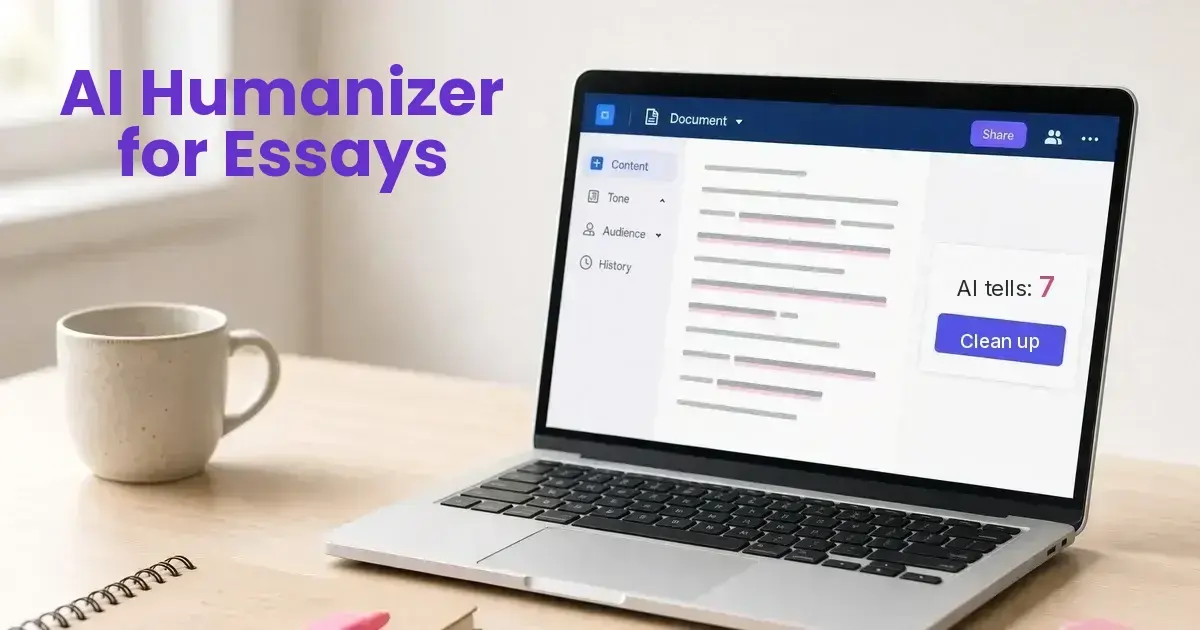
Paste your essay, see which lines read like a chatbot and why, then rewrite them so your argument and evidence stay exactly where you put them.
- Free scan, no sign up
- Runs in your browser
- Keeps your argument
- Hidden character check
Forgot your code?
To humanize AI essay drafts, start with the lines that sound like nobody in particular wrote them: stock academic phrases, paragraphs that all run the same length, and typography a chatbot left behind. Rewrite those lines in your own words, and leave your thesis, quotes, numbers and citations as they are. Then open every source and confirm it exists, because no scanner can do that part for you.
What the Scan Flags in an Essay
An essay gives AI habits plenty of room. There's an intro, a few body paragraphs and a conclusion, and a chatbot fills each slot with the same safe moves. The scan highlights the lines that read that way and tells you why each one was flagged.
- Stock academic phrases. "This essay will explore," "a complex and multifaceted issue," "throughout history," "plays a significant role." They sound formal and say almost nothing. The scan marks AI vocabulary and boilerplate so you can swap in the claim you actually mean.
- Even rhythm. Five paragraphs of nearly equal length, each opening with a topic sentence and closing with a tidy wrap-up line. Sentences that all land around the same word count. Our guide to AI sentence rhythm explains why that sameness stands out.
- Em dash habits. Chatbot drafts tend to lean on em dashes and curly quotes. An em dash is normal punctuation, so one is not a problem. A pile of them is a pattern. See why the em dash became an AI tell for the full story.
- Invisible characters. Text pasted from a chatbot, a PDF or a shared doc can carry zero-width spaces, narrow no-break spaces, word joiners or a byte order mark. You can't see them in your document. The scan finds and strips them, and it also flags hidden instructions buried in pasted text.
One thing the scan does not check: whether your sources are real. AI tools are known to invent citations that look right, with plausible authors, journal names and page numbers. A style checker reads wording, not library records. That job is yours.
How to Humanize AI Essay Drafts Without Losing Your Argument
The risk with any rewrite is that it smooths away the parts that make the essay yours. A good edit does the opposite. Work in this order.
- Lock down what can't change. Before you touch anything, mark your thesis, every direct quote, every number and every in-text citation. Those stay word for word.
- Scan, then read the reasons. Don't just accept a suggested rewrite. Read why a line was flagged. Sometimes the fix is cutting the sentence, not rewording it.
- Replace vague claims with your evidence. "Many scholars agree" becomes the scholar you read and what they found. A generic example becomes the one from your lecture or your reading list.
- Break the pattern on purpose. Let your strongest paragraph run long. Let a short one make a single point. Start one paragraph with the evidence instead of the topic sentence.
- Cut the summary conclusion. If the last paragraph only restates the intro, rewrite it to say what follows from your argument, or what it leaves open.
- Open every source. Find each one in your library database or on the publisher's site. If you can't find it, take it out and replace it with a source you've read. Then format the list in the style your instructor asks for.
- Read it aloud once. Anywhere you stumble, or wouldn't say it that way, is worth another pass.
When the tool rewrites a line, check that the meaning didn't drift. It's built to keep meaning and facts intact, but you know your argument better than any software does.
Use It the Right Way
Follow your course's AI policy, and disclose AI help wherever your instructor or school requires it. Policies vary a lot from one class to the next, so check the syllabus and ask if it's unclear.
This tool is for your own drafts, and for drafts where your course allows AI help. It cleans up wording and pasted-text problems. It isn't a way to hand in work that isn't yours, and it can't make an essay "undetectable." If your own writing got flagged, or you want the bigger picture on how students use the site, the AI humanizer for students page covers it.
Scanning is free, with no sign up. If you want more rewriting than the free tier covers, paid word packs are pay once, with no subscription.
Ready to check a draft? Paste your essay into the free scanner above.
More guides for students
Frequently Asked Questions
Will an AI humanizer for essays get me past Turnitin or GPTZero?
No tool can promise a Turnitin or GPTZero result, and this one doesn't try to. Detectors are separate products with their own models and limits. If you want to know how they perform, read our breakdowns of Turnitin AI detection accuracy and GPTZero accuracy.
Can my own essay get flagged as AI?
Yes. Detectors can flag writing that a person wrote. Our guide to AI detector false positives explains why it happens. Keeping your notes, outlines and version history makes it easier to show how your essay came together.
Will the rewrite change my argument or my citations?
It's designed to keep your meaning and facts. Still, read every rewritten line against your original, and keep quotes, figures and in-text citations exactly as they were. If a rewrite shifts what you meant, keep your version.
Does the scan check whether my sources are real?
No. It reads wording, typography and hidden characters, not citation databases. Open each source yourself in your library database or on the publisher's site, and remove any you can't find.
Do I need an account to scan an essay?
No. The scan is free, needs no sign up and runs in your browser. Paid word packs for extra rewriting are a one-time purchase with no subscription.